Appearance
How do I customize my webinar room with my colors and logo?
To customize the webinar room, log in to your account and click Actions → Edit to the right of the room name. Then go to the Appearance tab and customize the webinar room by double clicking any element and choosing a color.
Before you start customizing the appearance, decide on whether you need the settings to apply to all the events you will schedule afterwards or whether you want to change the appearance of one specific event.
To customize the appearance that will be applied to all the events you will schedule in the future, click on your name in the top right corner of the account panel and go to Appearance settings. Upload your logo, select the brand colors and search for a fitting background image. Once you click the Save button, the appearance settings will be valid for all the new events that you will create. You can still edit the appearance of each individual event, though.
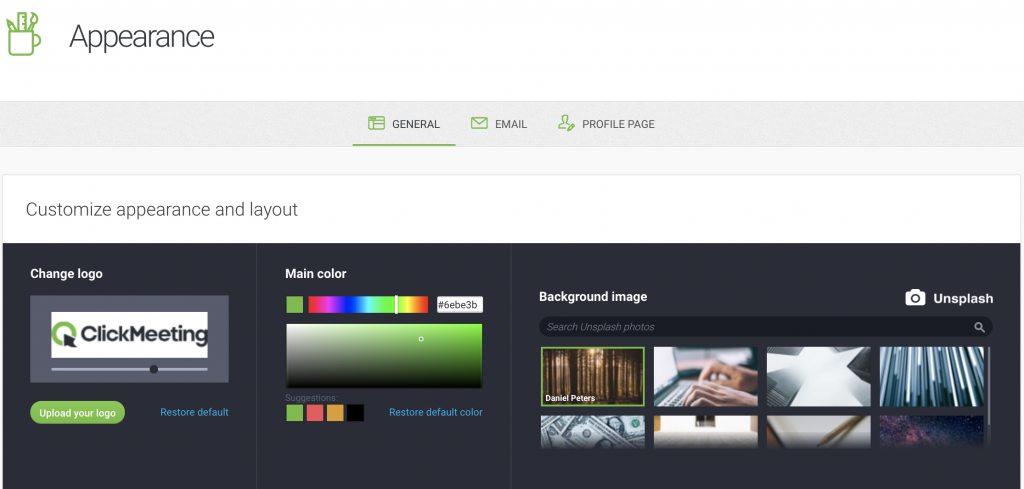
While scheduling or editing a specific event, feel free to customize its logo, colors and background in the Appearance tab. Changes will apply exclusively to this event.
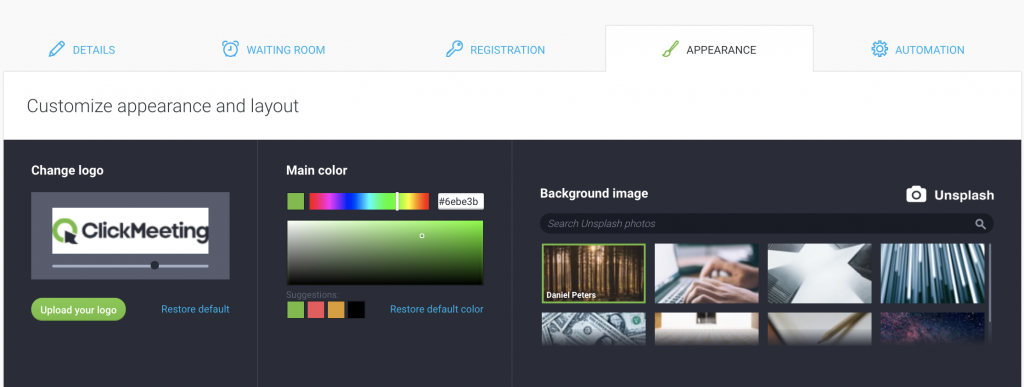
To have your own background image uploaded, you need to have an Enterprise plan. Please fill in this form and a Sales representative will get back to you with a quote.
How does the Pexels service work?
Pexels is a free online service that shares stock photography under the Pexels License. You can choose from hundreds of high-quality pictures on the website. Use them as webinar page background pictures for your webinar room, registration page, profile page, webinar login page, on-demand webinar page, and the thank-you page.
You are not required to create a Pexels account to use their stock images within ClickMeeting.
Log into your ClickMeeting account, hover the pointer over your name and go to your Appearance Settings → General. Accept the Pexels Terms of Service, go to the Search field above the photo samples, and put in keywords (English only).
Scroll down the gallery to find your ideal photo.
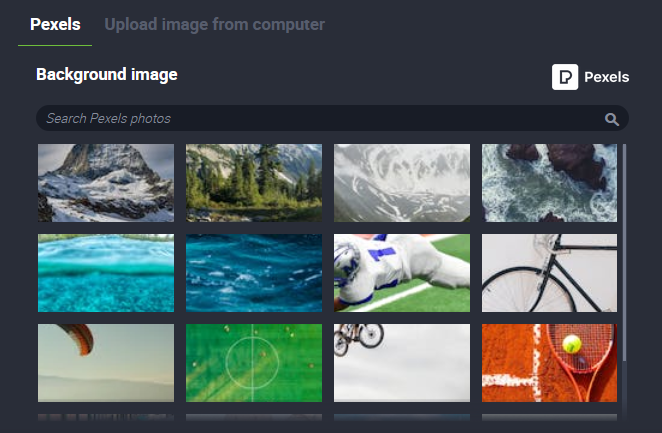
If you already have a Pexels account, you can upload your personal pictures there and use them as background pictures for your ClickMeeting event pages, though, we cannot guarantee that your picture will be available in the image base available on Pexels.
Instead we recommend purchasing our custom background add-on. Click here to learn more about this handy solution.







