article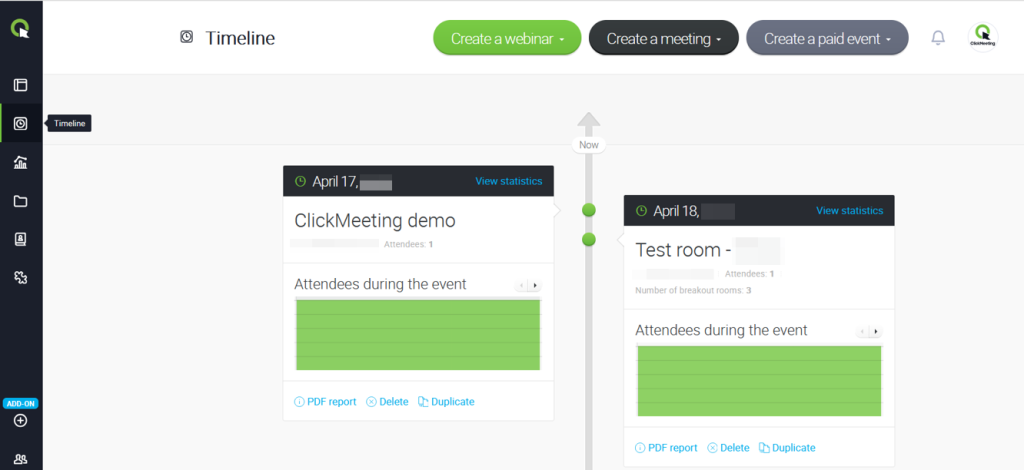

Timeline
What can I find in the Timeline tab?
The Timeline tab is a general overview of your past and upcoming events. Each one comes with the visual statistics for you to view the number of attendees who joined the event, the devices they used, the top 3 countries and the top 3 ratings left.
In Timeline you can generate a PDF report for each event that you have already hosted. You can also access its recording, as well as delete an event or duplicate any live event, if necessary.
By clicking the View statistics button next to any event, you will be taken straight to the Statistics tab.







